
ESS ES9069Q ×1
3.5mm Single-Ended / 4.4mm Balanced (PO/LO shared)
3.5mm: 180 mW + 180 mW (32Ω)
4.4mm: 560 mW + 560 mW (32Ω)
PCM 32-bit/768 kHz, Native DSD512
115 dB (SE) / 117 dB (BAL)
0.0018% (SE) / 0.0015% (BAL)
20 Hz – 50 kHz (±0.2 dB)
60 × 25.4 × 11 mm
24 g
Black / Light Cyan / Purple
Final Score

The Cayin RU3 is the most affordable dongle DAC Cayin has released so far. That alone makes it an interesting product, especially when you consider the company’s more ambitious designs.
The RU6 introduced an R2R DAC into dongle form, while the RU7 took things further with a 1-bit DAC implementation. Those two models established a fairly high bar. The RU3 takes a different route, using a conventional ESS solution while putting much more attention into amplification.
Cayin claims more than half a watt of output into 32 ohms. That sounds like a lot for a dongle. In practice, most 32-ohm IEMs and headphones do not need anything close to that level of power. The more useful test comes with harder loads. High-impedance headphones can expose voltage limitations, while low-impedance and low-sensitivity models can put a different kind of strain on the amplifier.
So that is what I wanted to find out. How well does the RU3 actually handle demanding loads, and does it deliver enough value at its price?
Note: My ratings are based on the RU3’s price category. Cayin provided the unit for this review.
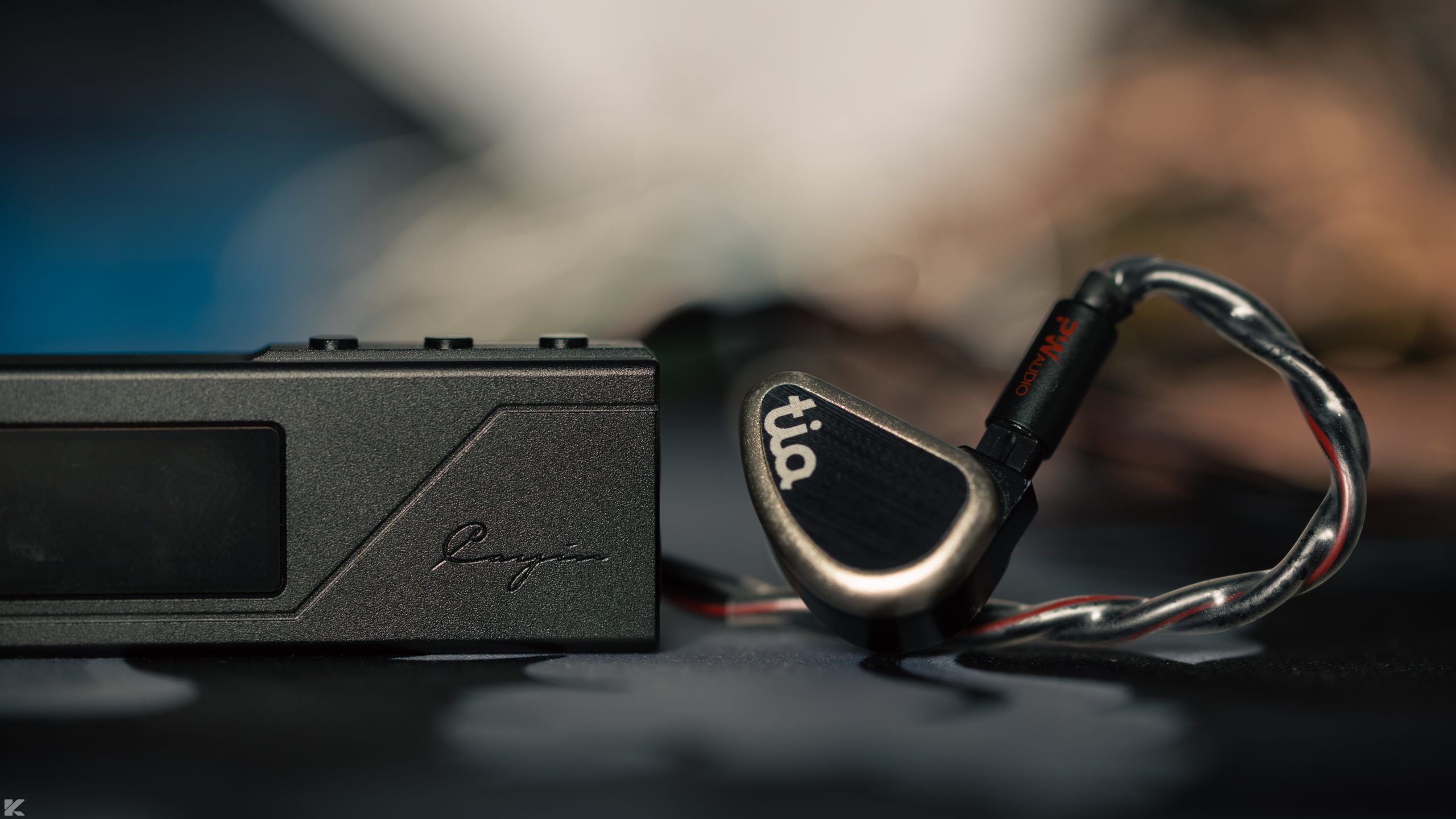
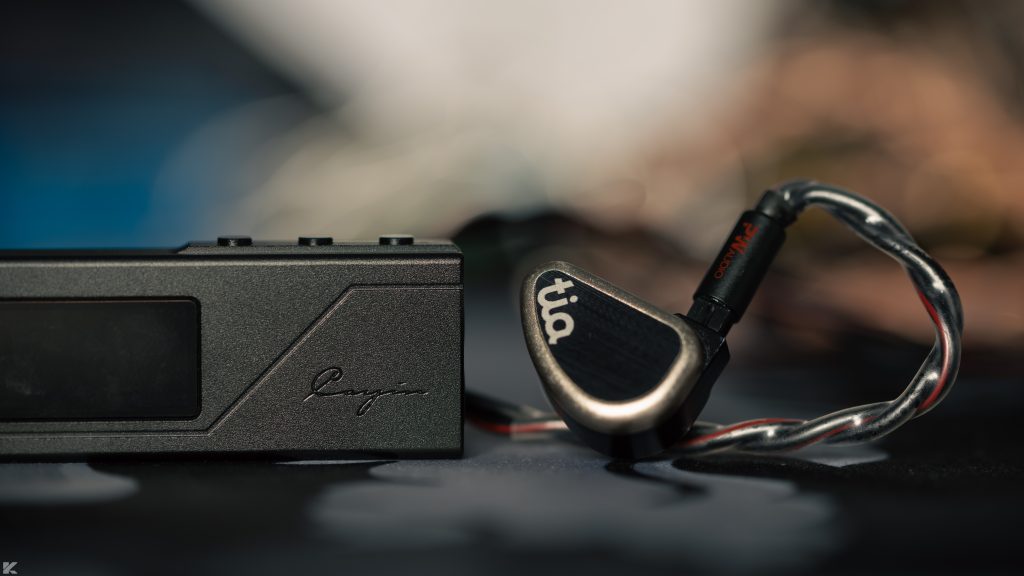
Headphones and IEMs used: Sennheiser HD 800, Sennheiser HD 620S, Softears Turii Ti, 64Audio Tia Trio
Price at the time of review: $99 or €149. Available through Cayin’s official website in the EU and Bloom Audio in the US.
Physical Design and Usability
Packaging and Accessories
Cayin keeps the packaging compact. You get the RU3 itself, a USB-C to USB-A adapter, and a short shielded USB-C to USB-C cable.
I especially liked the inclusion of the shielded cable. It helps keep RF interference under control during playback, which is useful when you are dealing with a small portable setup.
Build Quality
The RU3 measures 60 x 25 x 11 mm. It is not particularly small for a dongle with a 4.4 mm output. A number of competing models manage to be more compact.
Weight is less of an issue. At 24 grams, the RU3 remains light enough to use with a phone without making the combination feel awkward or overly heavy.
The construction itself is excellent.
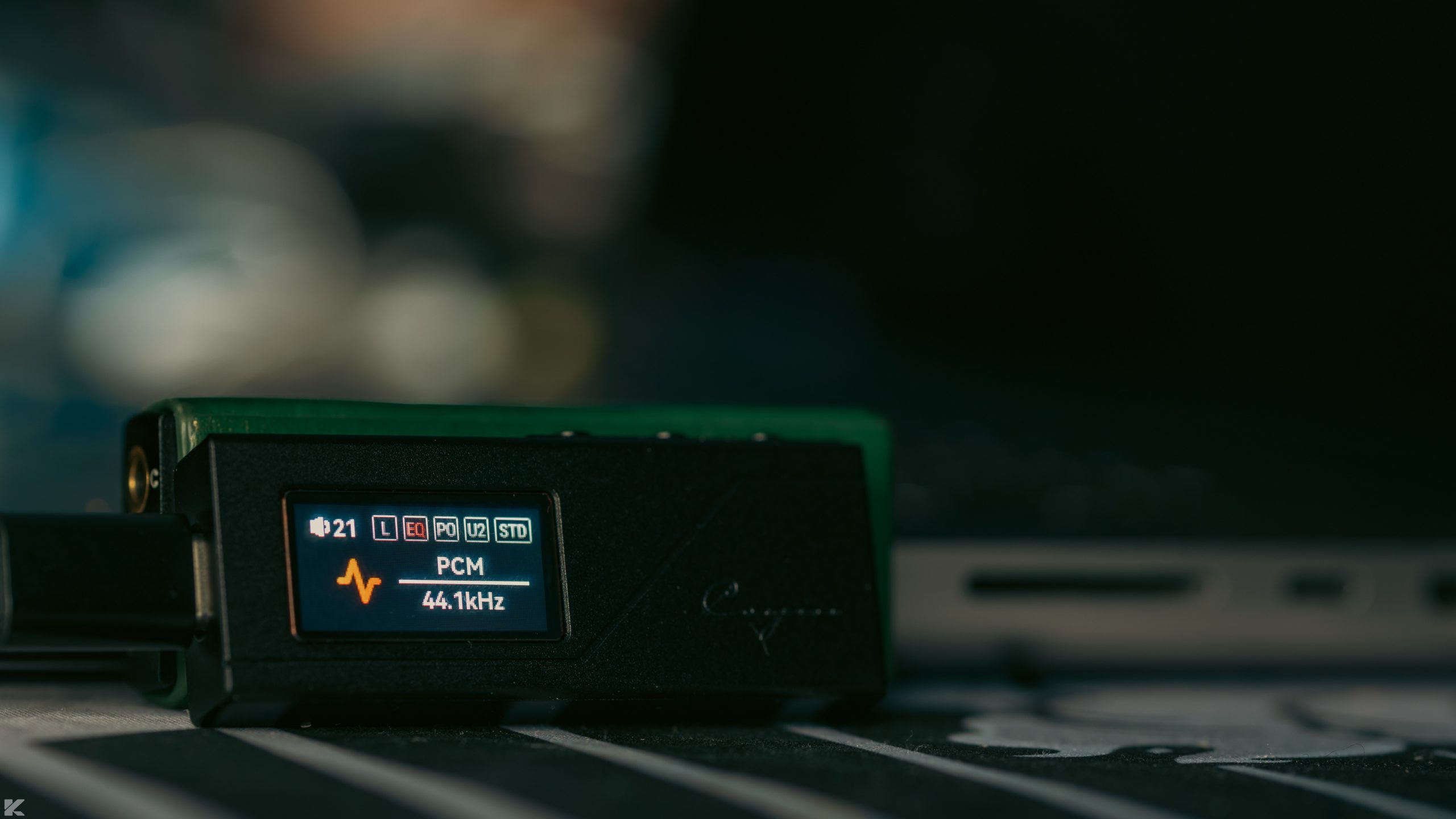
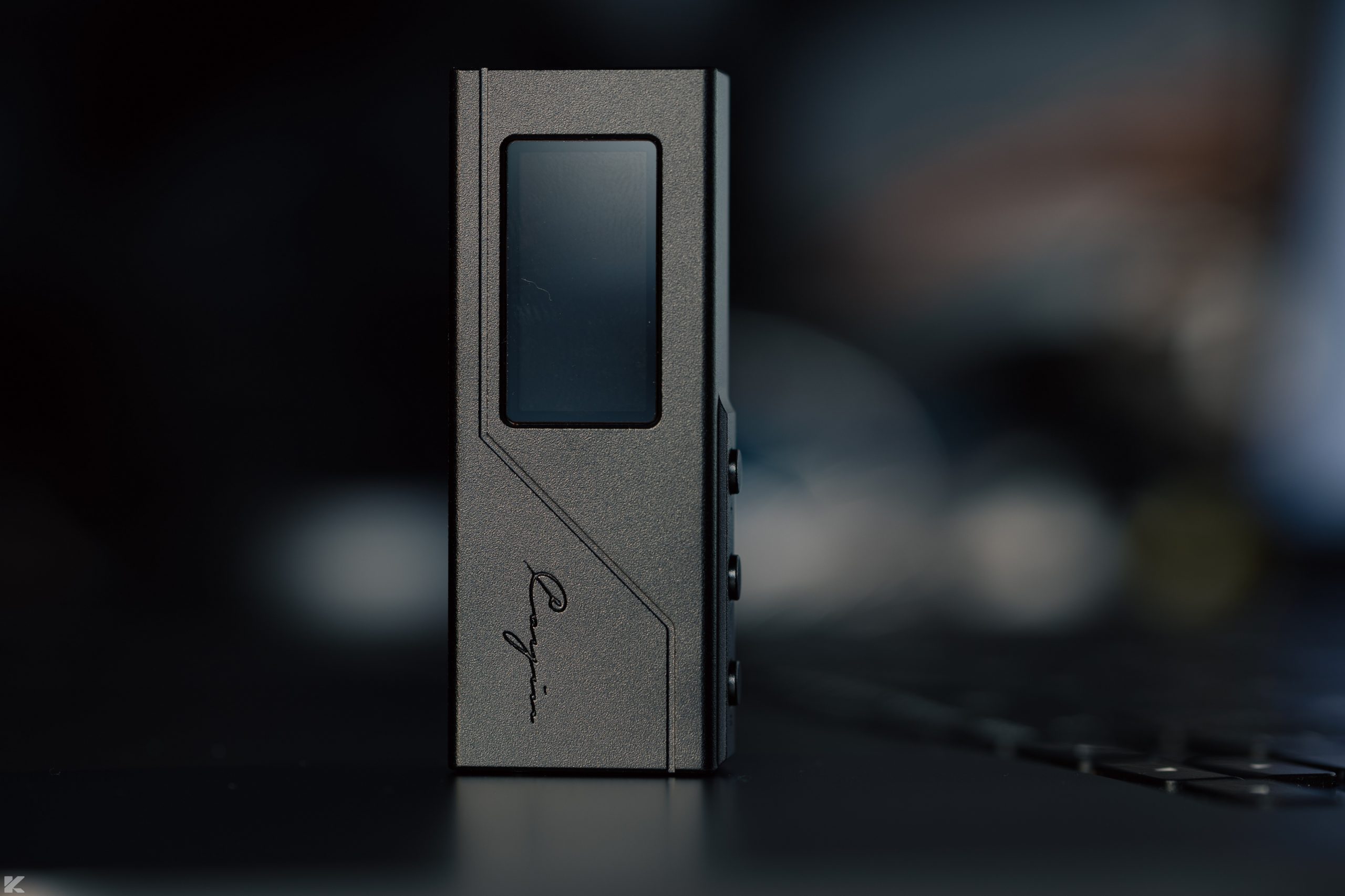
Cayin uses a CNC-milled aluminum chassis, with a laser-etched pattern on the rear and a 0.96-inch IPS LCD on the front. The buttons are easy to locate without looking at them, and each one has a firm, satisfying click.
Cayin also sells a protective case separately, and my review sample came with one. I would consider it worthwhile for portable use. It adds some protection without making the device cumbersome.
Heat is another area where the RU3 performs reasonably well. I did not find it getting excessively warm, even after more than an hour of high-resolution playback in Hyper mode.
The display is less impressive.
It looks somewhat grainy, and this is one of the few parts of the device that clearly reminds you that Cayin built the RU3 to hit a lower price point.
Overall, the hardware feels very well made. The chassis and controls are better than I would expect at this level. The screen is the obvious compromise.
Handling and Operation
Using the RU3 is fairly simple.
A long press of the menu button brings up the available settings. From there, you can adjust things such as gain, digital filter selection, display theme, and other options.
There is one usability issue that became noticeable pretty quickly. The currently selected item inside a submenu is not highlighted. Say you enter the Gain menu and use the button to switch from low to high gain. The interface does not clearly show which option is currently selected or ready to be changed.
It is a small problem, but an unnecessary one. Hopefully Cayin addresses it through a firmware update.
You can also control additional settings through the Cayin Control app. The application has a clean layout and did not take much effort to set up.
At the time of testing, though, the app was still incomplete. Features such as custom PEQ profiles had not yet been enabled. Once Cayin finishes those functions, the app should make the RU3 considerably more flexible. For now, part of the promised functionality remains unfinished.
Power Consumption
Power draw is one of the RU3’s weaker areas.
With demanding headphones, the RU3 consumes a fairly substantial amount of power. IEMs are easier on the battery, but even there it is not especially efficient compared with some competing dongles.
There is one practical workaround. For sensitive IEMs, you can use the single-ended output instead of the balanced connection. That reduces power consumption, although you give up some channel separation and accept higher THD.
I measured around 579 mW of power consumption from the USB-C port of a MacBook Pro while driving the Sennheiser HD 800 to my target 75 dB using the 4.4 mm output in Hyper mode.
That is relatively high for a dongle.
Still, if you are driving high-impedance headphones, Hyper mode is where the RU3 makes the most sense, so some increase in power draw is expected.
Technical Notes
Cayin uses a single ESS Sabre 9069 DAC chip in the RU3. The chip provides two-channel output, which allows Cayin to implement a true balanced output stage.
For the I/V conversion and low-pass filtering, Cayin uses the OPA1602. The final amplification stage relies on the SGMicro SGM8262.
The SGM8262 is capable of delivering high current while also handling a fairly wide voltage swing. That combination makes it well suited to driving high-impedance dynamic drivers.
There is a downside. It is a relatively power-hungry amplifier, and its 22 MHz bandwidth is more modest. That is still enough for normal audio use, although it does not leave the same impression of speed you might get from an amplifier with significantly greater bandwidth.
The RU3 can deliver close to half a watt into 32 ohms. For the majority of 16 to 32-ohm headphones and IEMs, that is far more power than necessary. Extra headroom is still useful, though.
Output impedance is excellent. I measured 1.2 ohms from the balanced output and 0.7 ohms from the single-ended output. That means the RU3 should not noticeably alter the frequency response of most IEMs. Extremely low-impedance models below roughly 4 to 5 ohms are a different matter, and I would not consider the RU3 an ideal match for those anyway.
The SNR and crosstalk figures do not lead the category, but they are good enough that I did not find them problematic in actual use.
Cayin also avoided several of the compromises that show up in cheaper dongles. The I/V and amplification sections use separate op-amp stages, and the RU3 employs a current-generation ESS DAC architecture for delta-sigma conversion.
Cayin RU3 Pairing Notes
The RU3 has a largely neutral presentation.
I did not hear an obvious treble edge, nor did I notice the kind of bass lift that some dongles can produce through higher output impedance.
I also find it difficult to get much value from describing a source purely in terms of its “sound”. Pairings tell us more. So I spent more time looking at how the RU3 handled different headphones and IEMs, including a range of driver configurations.
IEMs
Most IEMs rated between 16 and 120 ohms, with sensitivity above 98 dB/mW, should work comfortably from the RU3’s balanced output.
The main exception in my collection was the Symphonium Crimson. Its combination of a 5-ohm impedance and very low sensitivity of 84 dB/mW at 1 kHz makes it unusually demanding.
Everything else performed well.
I did not run into obvious problems with dynamics, layering, or separation on the IEMs I tested. The 64Audio Tia Trio was the one pairing where I noticed a slight reduction in microdynamic finesse. Macrodynamic impact also felt a little less forceful than what I have heard from more expensive dongles.
The Softears Turii was another interesting case. Single-dynamic-driver IEMs like the Turii tend to respond strongly to better amplification, and the RU3 drove it without difficulty.
Still, compared with more expensive sources, the stage felt somewhat narrower and the imaging less dimensional.
That comparison is not entirely fair because those dongles cost considerably more. It does, however, give you a better idea of where the RU3 sits.
The Campfire Audio Alien Brain, on the other hand, was an excellent match. I did not notice any meaningful drop in performance compared with higher-tier sources.

Headphones
This is where the RU3’s Hyper mode becomes much more useful.
The Aune SR7000 and Hifiman HE400se both reached comfortable listening levels in Hyper mode, with enough volume headroom and dynamics for normal use.
The Sennheiser HD 800 tells a slightly different story.
It still benefits from more voltage than the RU3 can provide if you want the kind of dynamics a desktop amplifier can deliver. Even so, the RU3 manages more than 4 Vrms peak into a 300-ohm load, which puts it ahead of many small dongles when driving high-impedance dynamic headphones.
For most efficient planar headphones and dynamic-driver models, the RU3 should have enough output to handle the job.
Susvara is another matter entirely.
Selected Comparisons
One of the more obvious alternatives is the CrinEar Protocol Max. It offers a similar high-output specification, although the rated power applies to a less demanding load. It also comes with a browser-based PEQ management system.
I prefer the RU3’s physical construction. The finish feels more refined, and I find its integrated display more useful than the transparent window on the Protocol Max.
The difference becomes clearer with higher-impedance headphones. In my testing, the RU3 handled those loads better. With IEMs, the two are much closer.
The Protocol Max has the advantage when it comes to PEQ right now. Cayin’s app still needs the promised updates before it can compete here. The physical gain switch on the Protocol Max is also genuinely useful.
It is a little cheaper too, although the roughly $10 difference does not seem important enough to determine the purchase on its own.
I would choose the RU3 for a setup that includes both IEMs and higher-impedance headphones. The Protocol Max makes more sense when custom PEQ is the main priority.
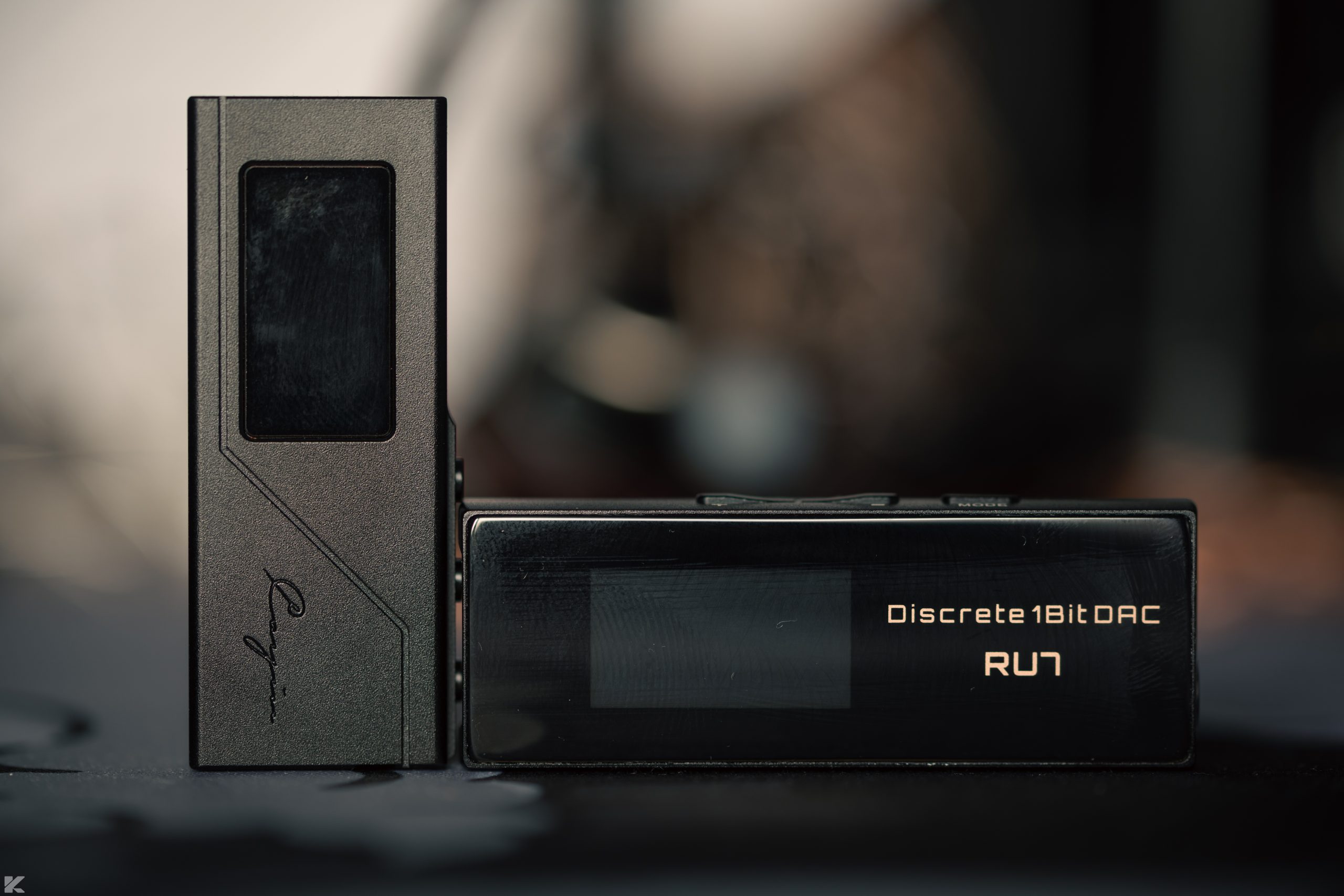
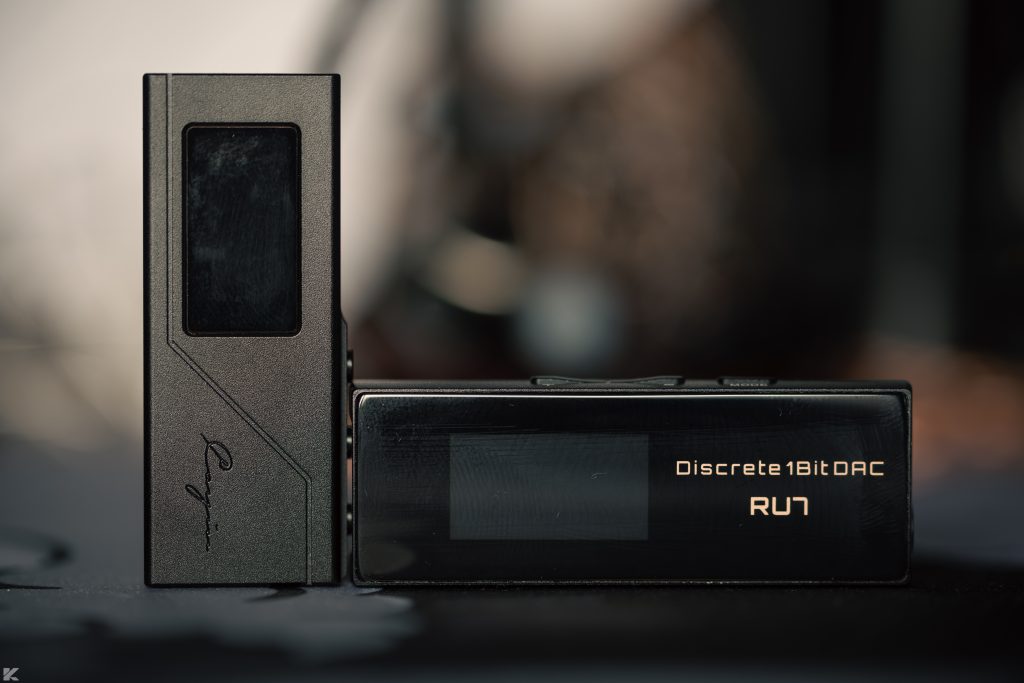
Then there is Cayin’s own RU7.
This is a much less even comparison.
The RU7 sounds more refined to me, with a more analog character and better staging and imaging. Its OLED display also looks considerably nicer. Taken as a complete package, the RU7 is the superior dongle.
The RU7 does not offer the same app support, so there is still a case for the RU3 if PEQ functionality matters more to you.
Otherwise, the RU7 is clearly ahead. The catch is its substantially higher MSRP.
Final Thoughts
The Cayin RU3 gets more right than wrong.
Its accessory bundle is well considered. The amplification section is more capable than the price suggests, and features such as the display and Cayin Control app add useful functionality around the core DAC and amplifier hardware.
There are some things I would change.
The biggest issue for me is pricing between regions. At the time of this review, the official EU price worked out to almost twice the US price after currency conversion. That makes the RU3 much harder to recommend in Europe at full retail.
The other concern is the unfinished app. Cayin still needs to enable several of the features it has planned, particularly custom PEQ support. Getting those updates out sooner would make the RU3 easier to recommend over the longer term.
At around $99, the RU3 is an easy recommendation for buyers in the US. It offers plenty of power, a solid build, useful controls, and enough flexibility to cover a wide range of headphones and IEMs.
For European buyers, I would look for a discount first. At €149, the value proposition changes quite a bit. The RU7 also becomes much more tempting if the extra budget is available.